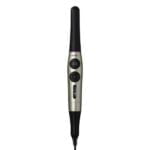





GOOD DR’S Intraoral Camera-V: High-Definition Dental Imaging Device
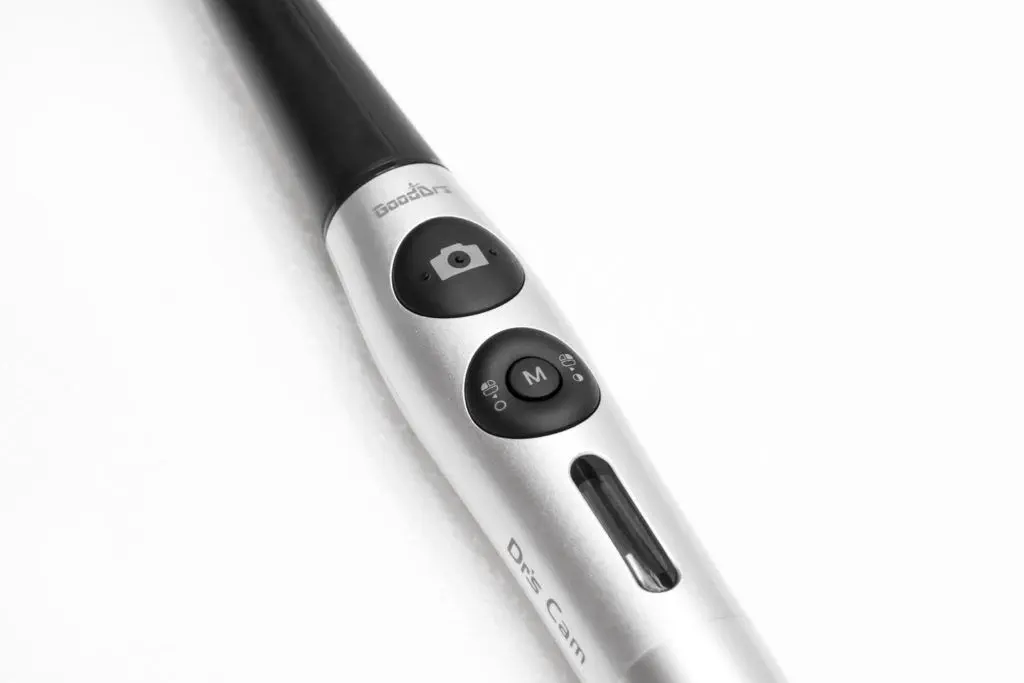
A high-definition dental imaging intraoral camera device with auto-focus, adjustable LED brightness, and a 280° twist head for comprehensive oral examinations.
✅High-Definition Imaging
✅ Auto-Focus Technology
✅ Adjustable LED Brightness
✅ 280° Twist Head
✅ Built-in Gyro Mouse
✅ OLED Screen
✅ Versatile Software Compatibility
✔️ Auto focus
Real Autofocus function shows clear images.
✔️ FHD image
Can get high definition image without distortion.
✔️ Gyro mouse built-in
Useable as a mouse.
✔️ 280˚ twist head
Easy to get approach anywhere in oral cavity
✔️ Software compatibility
Support keyboard short-cut data changing program and twain driver
✔️ OLED screen
Bright and clear OLED screen indicates various device status
✔️ Adjustable LED brightness
Can adjust LED brightness to avoid light reflecting
✔️ 3 Color Impressions
Can change live image color impression (Original, Warm, Cool).
👉 Camera
👉 Operation voltage 5V
👉 MeasurementApprox. 202 x 30 x 28 mm
👉 WeightApprox. 53g
👉 ResolutionFHD (1920 x 1080)
👉 Sensor/Lens typeCMOS
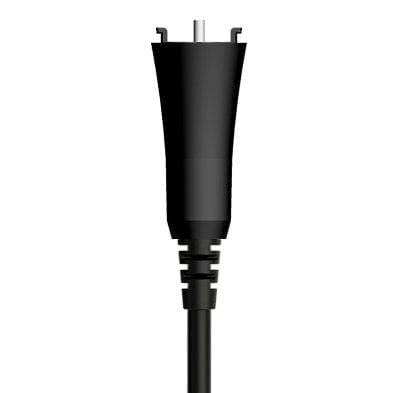
👉 USB cable
👉 LengthApprox. 3 M
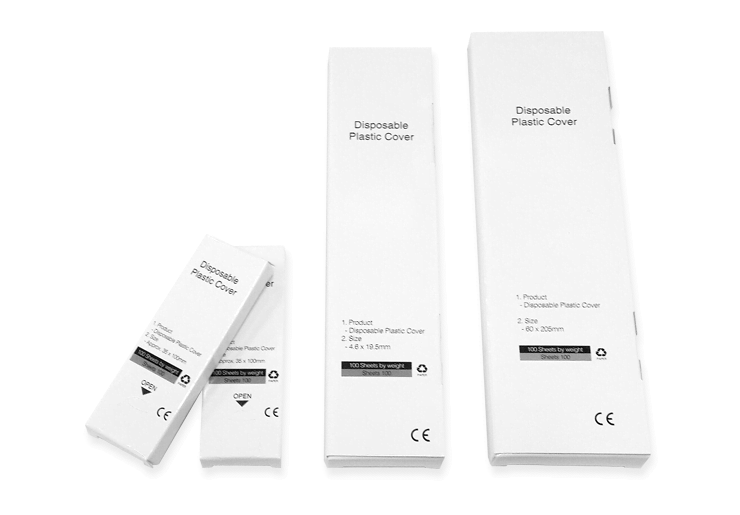
👉 Disposable cover
👉 DimensionsApprox. 32 x 100 mm
👉 QuantityApprox. 100 pcs by weight x 2ea
👉 Raw materialPolyethylene
👉 Auto focus Real Autofocus function shows clear images.
👉 FHD image Can get high definition image without distortion.
👉 Gyro mouse built-in Useable as a mouse.
👉 280˚ twist head Easy to get approach anywhere in oral cavity
👉 Software compatibility Support keyboard short-cut data changing program and twain driver
👉 OLED screen Bright and clear OLED screen indicates various device status
👉 Adjustable LED brightness Can adjust LED brightness to avoid light reflecting
👉 3 Color Impressions Can change live image color impression (Original, Warm, Cool)
👉 Enhanced Diagnostic Accuracy: Delivers high-definition images that reveal intricate details, improving diagnostic precision.
👉 Improved Patient Communication: Enables dentists to show clear images of patients’ oral health, making it easier to explain conditions and treatment plans.
👉 Increased Patient Engagement: Allows patients to see real-time images of their teeth and gums, helping them understand their dental health better and encouraging compliance with treatment recommendations.
👉 Efficient Documentation: Captured images can be stored in patient records for future reference, aiding in tracking treatment progress and planning.
👉 Comfort and Convenience: The compact design and adjustable LED brightness ensure ease of use without causing discomfort to patients.
👉 Versatile Use: The 280° twist head allows for comprehensive examination of all areas of the mouth, enhancing the thoroughness of dental check-ups.